Compare Notion vs Coda for business, including databases, project management, documentation, formulas, automation and ease of use.
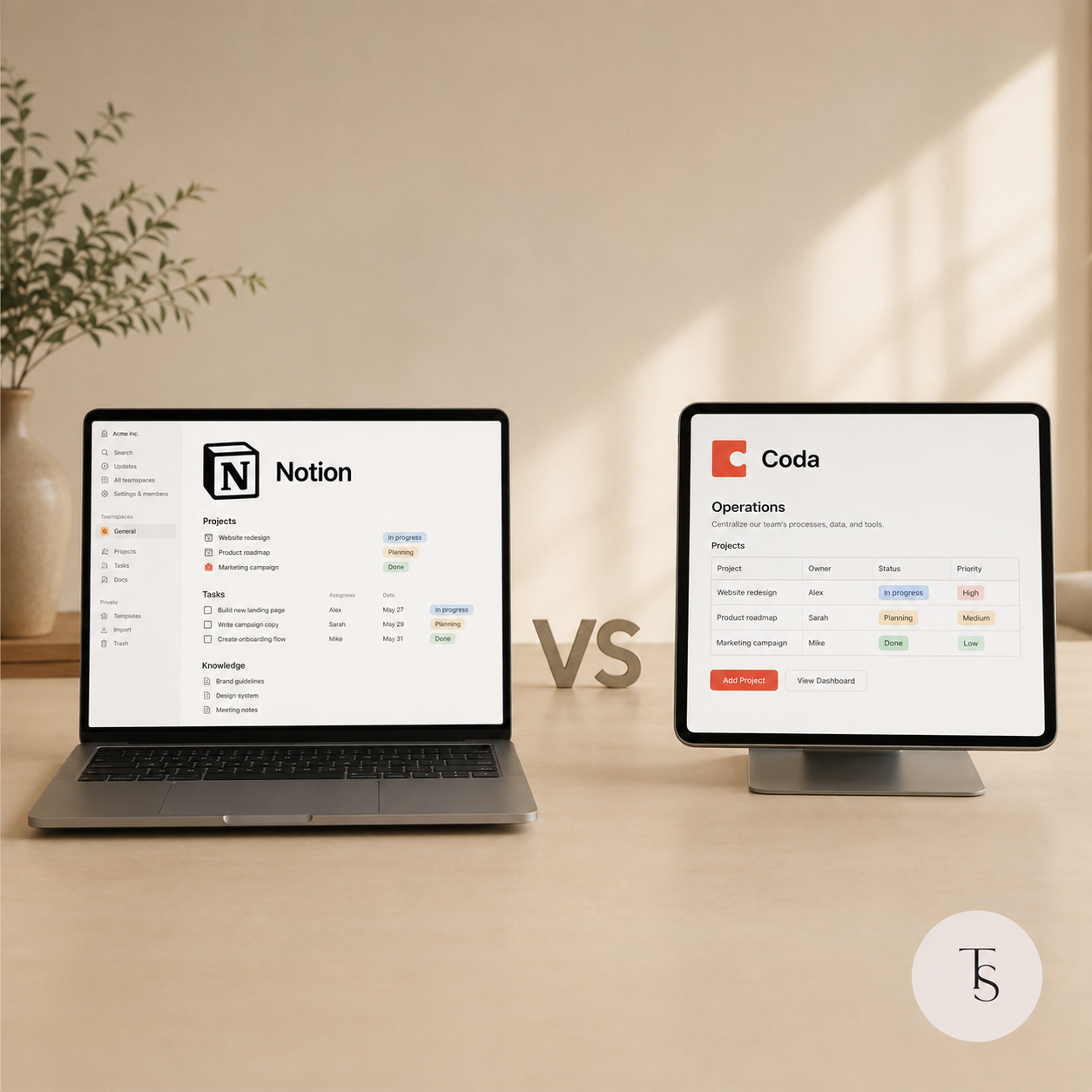
Notion and Coda can bring documents, databases, projects, tasks and internal processes into one workspace. Although the platforms initially appear similar, they follow different approaches and work best for different types of teams.
The Notion vs Coda decision should therefore be based on your workflows, team needs and the complexity of the system you want to build.
Notion focuses on clear organization through pages, databases and connected information. It is well suited to building knowledge bases, project management systems and team dashboards.
Coda combines documents and structured tables with the functionality of a custom business application. It provides flexible formulas, interactive buttons and extensive options for creating workflow logic inside a document.
In simple terms:
Notion is a strong option for companies that need a clean and understandable workspace for everyday collaboration.
Businesses can use Notion to manage:
Its clear navigation can make it easier for employees to understand where information belongs and how the workspace should be used.
Notion is particularly helpful when the system includes a large amount of documentation, SOPs, written content and connected databases.
Coda is worth considering when the system must do more than organize and display information.
Businesses can use Coda to build:
A Coda button can create a record, update its status, assign a team member and trigger the next step of a workflow. Its formulas can work with entire sets of connected data rather than only individual values.
Coda can therefore be a better fit for businesses with unique operational workflows, multiple conditions and a greater need for no-code automation.
| Category | Notion | Coda |
|---|---|---|
| Learning curve | Usually easier for teams | Often requires more setup and training |
| Documents and knowledge | Clean and intuitive | Flexible but less minimal |
| Project management | Visual and easy to understand | Highly customizable |
| Formulas | Suitable for standard workflows | Stronger for advanced logic |
| Buttons and automation | Useful for basic workflows | More powerful action options |
| Page design | Minimal and content-focused | Can feel like a custom application |
| Team adoption | Often easier | Depends on system complexity |
A company does not always need to choose only one platform.
Notion might serve as the central team workspace for company knowledge, projects and documentation. Coda could support a separate operational process that requires advanced calculations, requests or automation.
However, each platform should have a clearly defined role. If employees manually copy the same information between Notion and Coda, the setup will create more work and increase the risk of outdated data.
Choose Notion if your priorities are simplicity, documentation, knowledge management, project visibility and easy team adoption.
Choose Coda if you need advanced formulas, buttons, workflow automation and an internal tool designed around a unique process.
Selecting the platform is only the first step. Even a powerful tool cannot solve operational chaos without thoughtful architecture, clear sources of truth and simple rules for the team.
Tsymbala Systems Studio helps businesses choose between Notion and Coda and builds systems around the way their teams actually work.
Not sure which platform is right for your business? Book a consultation with Tsymbala Systems Studio.
© Tsymbala Systems Studio. This material may not be copied without an active link to the original source.

How to use the power of Coda.io to manage data and processes.

How to describe and visualize processes to improve business efficiency.
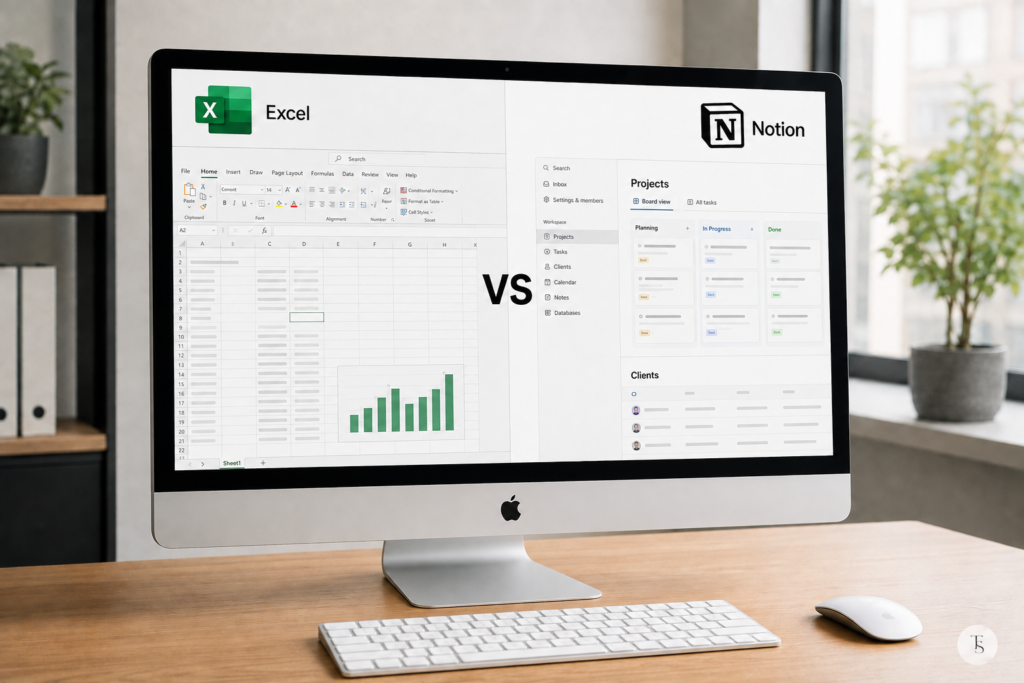
Spreadsheets work well for calculations, but are they enough to manage a growing business? Here is how Notion and Excel compare.